

How to Download, Install, and Use OpenAI Codex
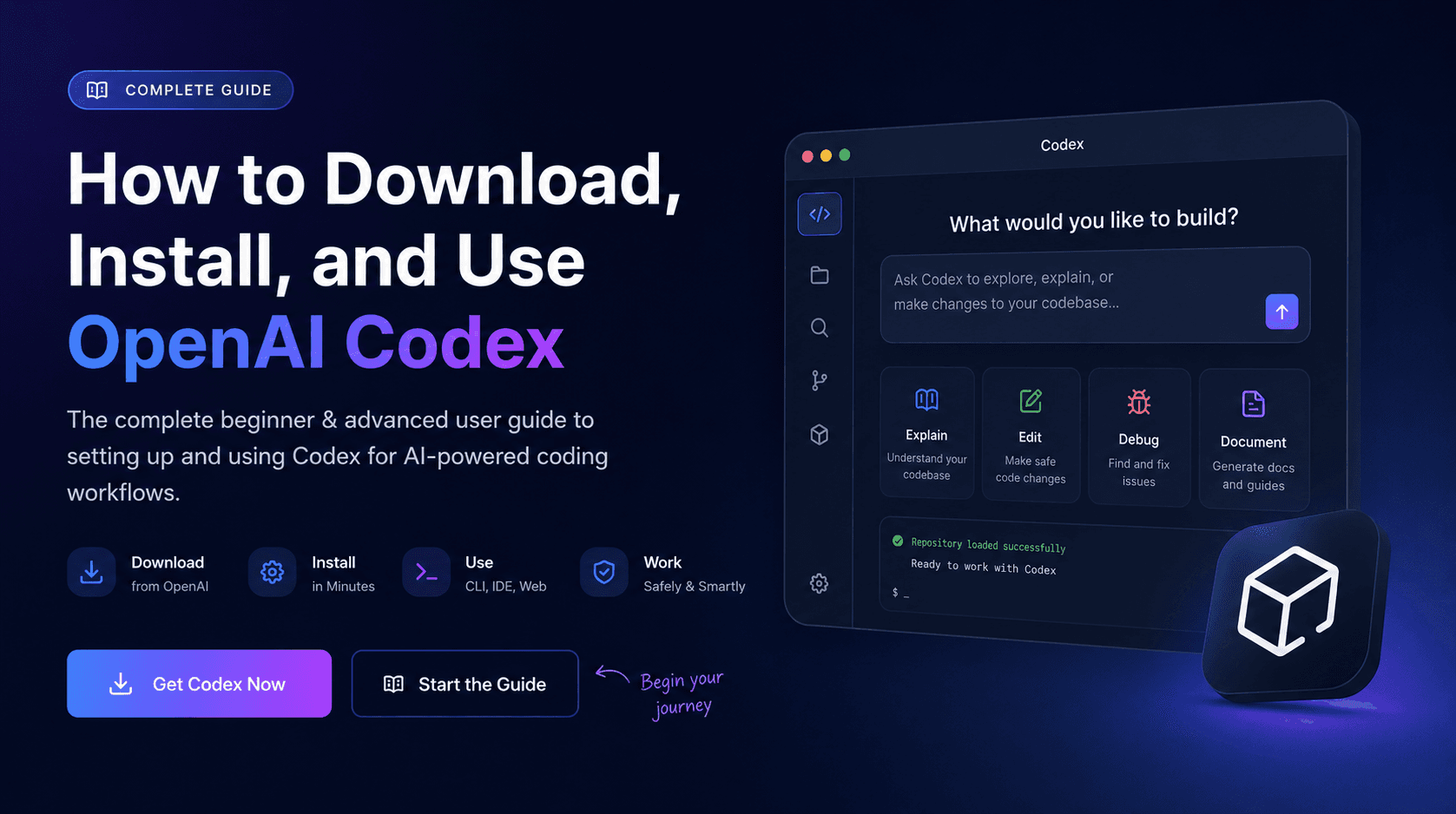
Learn how to download, install, and use OpenAI Codex across desktop, CLI, IDE, web, and mobile workflows with beginner-safe setup steps.
Setup Guide
Download the OpenAI Codex Setup PDF
Use this companion PDF as a quick reference for installing Codex, opening your first project, and building safe AI coding habits.
Download PDFQuick Start
Sign into your ChatGPT account.
Download Codex from the official OpenAI Codex page.
Open a project folder or Git repository.
Let Codex inspect the project structure.
Start with small educational tasks before asking for code changes.
What Is OpenAI Codex?
OpenAI Codex is an AI-powered coding workflow system designed to work inside development environments. It can inspect repositories, understand project architecture, explain files, edit code, generate documentation, help debug applications, and assist with developer workflows.
A simple beginner analogy is this: ChatGPT is useful when you want to talk about code. Codex is useful when you want to work inside the codebase together.
Before You Begin
Installing Codex on Windows and Mac
For most users, setup starts at the official OpenAI Codex page. Download the installer for your operating system, launch the app, sign into ChatGPT, and connect a project folder or Git repository.
Windows users can run the installer and follow the setup prompts. Mac users can download the app, move it into Applications, launch it, and sign in. In both cases, your first task should be small: ask Codex to explain the project, find the homepage, or summarize the architecture before asking it to make changes.
Installing the Codex CLI
The Codex CLI is designed for users who want terminal-based workflows. It is especially useful for developers, automation-heavy environments, and repository-focused engineering work.
npm install -g @openai/codex
codex --help
If the help menu appears after running the command, the CLI is installed successfully. Beginners should still use Git branches and review every command before approving terminal actions.
Codex Desktop, CLI, IDE, Web, and Mobile
Codex Desktop
Beginners and guided project workflows
The desktop experience is useful for repository exploration, visual workflow review, and safer onboarding.
Codex CLI
Developers and terminal-heavy workflows
The CLI is useful when you want fast repository work, automation, scripting, and command-line control.
Codex IDE Extensions
Daily coding inside an editor
IDE integrations help Codex explain files, suggest edits, debug issues, and work closer to the code you are already viewing.
Codex Web and Mobile
Monitoring, review, and connected workflows
Web and mobile-connected experiences help users access projects, review outputs, and stay connected to coding workflows remotely.
Your First Beginner Tasks
Understand the repository
Explain this repository structure in beginner-friendly language.
Find the homepage
Find where the homepage is built and summarize the important files.
Generate documentation
Create a README.md explaining how to run this project locally.
Debug a small error
Find this TypeScript error and suggest the smallest safe fix.
Explain unknown code
Explain this function step by step for a beginner developer.
Beginner Safety Rules
Preparing Your First Project Safely
Codex works best inside structured repositories. Before allowing it to modify a real project, initialize Git, create a safe branch, and confirm the project already runs.
git init
git checkout -b codex-experiments
npm install
npm run build
If the project is already broken before Codex starts editing, debugging becomes much harder. Establish a known-good baseline first.
Advanced User Workflows
What Beginners Should Avoid
Avoid asking Codex to build an entire product before you understand the project. Avoid granting unrestricted access immediately. Avoid accepting changes blindly, skipping Git, auto-installing unknown dependencies, ignoring tests, or deploying unreviewed code.
The most successful users treat Codex as a collaborator, workflow assistant, and repository analyst, not as a replacement for engineering judgment.
Final Workflow Checklist
Download Codex from the official OpenAI page.
Install the desktop app, CLI, or IDE integration.
Sign into ChatGPT.
Open a repository or project folder.
Start with educational prompts.
Review every command and diff.
Run tests constantly.
Commit on a safe branch.
Scale into advanced workflows gradually.
Final Thoughts
The future of software development is increasingly workflow-oriented. AI coding systems like Codex are no longer just autocomplete tools. They are becoming repository assistants, debugging systems, onboarding tools, and AI development partners.
Use Codex to accelerate understanding, reduce repetitive work, and improve development workflows while maintaining human oversight and engineering discipline.
Turn insight into workflow
Need help applying this inside real operations?
AIBX helps individuals and teams turn AI knowledge into governed workflows, reusable prompts, and practical implementation systems.
Related Articles
Continue Reading
AI Coding
What Is OpenAI Codex? | AIBX
See how OpenAI Codex works as an autonomous software engineering agent across CLI, IDE, cloud, and enterprise workflows.
AI Coding
Best AI Coding Tools for Developers and Engineering Teams
A practical enterprise guide to the best AI coding tools for software development, code review, debugging, refactoring, and agentic engineering workflows.
Workflows & Automation
AI Agents Explained for Business | AIBX
Learn how AI agents work, how they differ from chatbots, and how businesses use them for automation and operational workflows.
AI Coding
Claude Code /insights: Developer Workflow Analytics
Learn what Claude Code /insights is, how to read the report, and how enterprise teams can use it to improve AI-assisted development workflows.