

Claude Code /insights: Developer Workflow Analytics
Learn what Claude Code /insights is, how to read the report, and how enterprise teams can use it to improve AI-assisted development workflows.
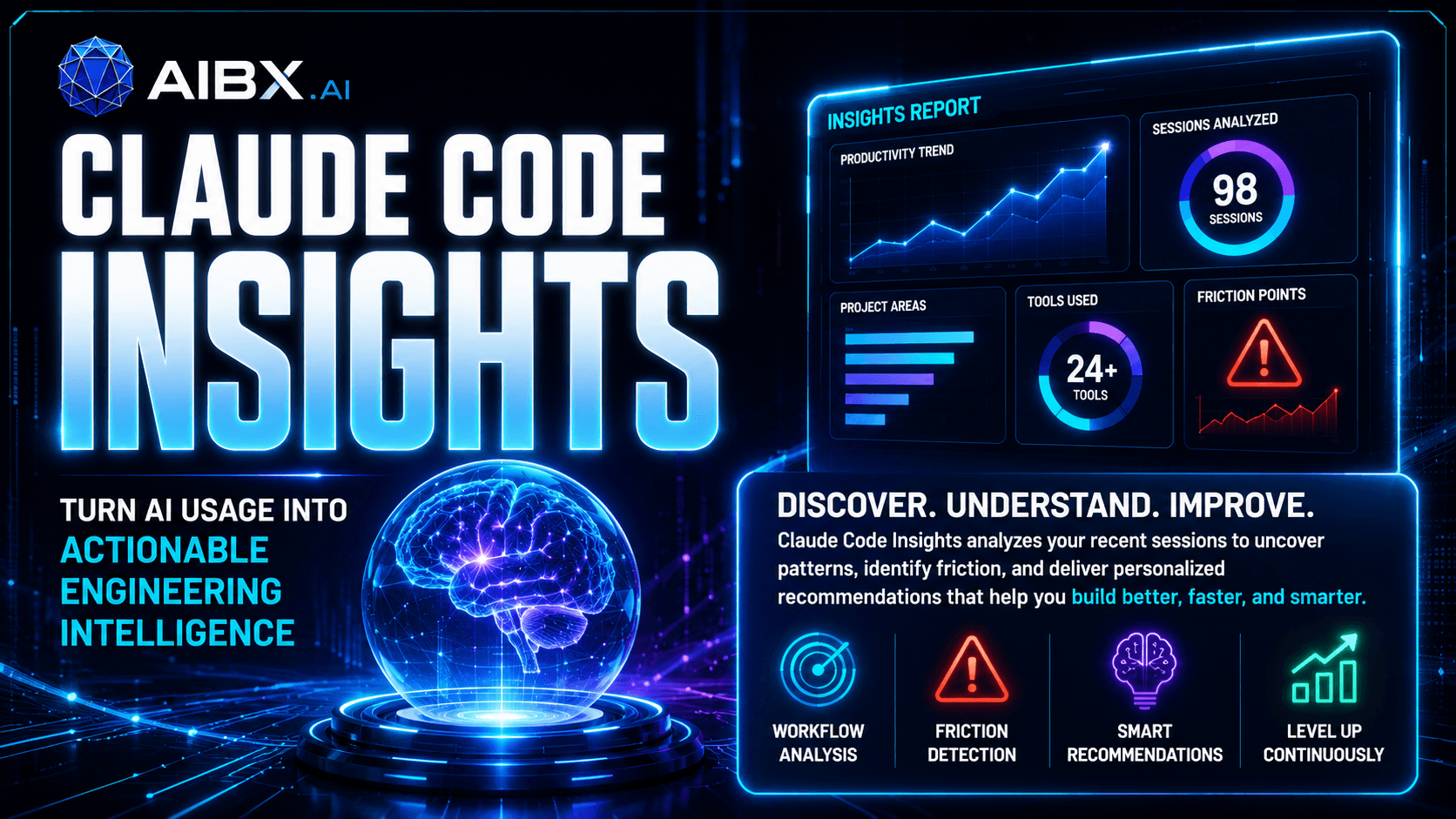
Research Asset
Download the Claude Code /insights cheat sheet
Use the PDF alongside the article when you are reading a report or helping a team turn workflow analytics into practical changes.
Download PDF Cheat SheetEditorial Draft
Claude Code /insights is a feedback loop, not just another slash command
Most AI coding articles stop at the prompt. /insights starts after the prompt and asks a better question: how is the work actually flowing, where is it getting stuck, and what habits should the team change?
Executive Summary
Executive summary
The top-level summary should tell you whether the project is moving cleanly, where the friction lives, and what kind of work pattern is emerging.
Project areas
Breakdowns by project area help teams see whether the tool is spending time in feature work, documentation, debugging, or infrastructure.
Usage patterns
Message counts, session lengths, and tool usage reveal where effort is concentrated and where repetitive work may be creating drag.
Chapter 1
What Claude Code /insights is trying to tell you
Claude Code /insights is useful because it shifts the conversation from raw output to workflow quality. Instead of asking whether a session generated code, the report asks whether the session made the team more effective.
That matters for enterprise teams. A fast session is not always a good session. A long session is not always a bad one. The real signal is whether the work pattern is predictable, reviewable, and improving over time.
How To Read The Report
The most useful sections are the ones that point to repeated behavior
Read the report like an operations review, not like a scoreboard. The goal is to understand the shape of the work and then decide which habits deserve to become team standards.
Executive summary
The top-level summary should tell you whether the project is moving cleanly, where the friction lives, and what kind of work pattern is emerging.
Project areas
Breakdowns by project area help teams see whether the tool is spending time in feature work, documentation, debugging, or infrastructure.
Usage patterns
Message counts, session lengths, and tool usage reveal where effort is concentrated and where repetitive work may be creating drag.
Working style
The most useful insights usually come from behavior patterns: verification habits, iteration style, review discipline, and how often the workflow loops back.
Friction analysis
Repeated failures, delays, or overuse of the same fixes often point to process issues rather than isolated mistakes.
Recommendations
The best reports do not just describe the workflow. They suggest repeatable changes that make the next session cleaner than the last.
Strategic Lens
The report is most valuable when it changes team behavior
If the same friction keeps showing up, the organization probably has a process problem, not just a prompt problem. That makes /insights useful for onboarding, documentation, standards, and workflow design.
Claude Code /insights vs OpenAI Codex
| Area | Claude Code /insights | OpenAI Codex |
|---|---|---|
| Primary purpose | Shows how Claude Code sessions are being used and where the workflow can be improved. | Focuses on delegated engineering work, implementation, and review-oriented assistance. |
| Value to teams | Helps teams spot recurring friction, standardize habits, and improve AI-assisted development operations. | Helps teams accelerate code changes, refactors, tests, and repository-aware tasks. |
| Best fit | Teams that want a feedback loop on how AI coding work is actually being done. | Teams that want an agent to help execute the work itself. |
| Operational question | What is slowing us down, and what pattern keeps repeating? | What change should the agent make, and how should it validate the result? |
What enterprise teams should do with it
Limitations
Frequently Asked Questions
Is Claude Code /insights a replacement for engineering metrics tools?
No. It is more useful as a workflow feedback layer than as a formal analytics system. It can highlight patterns, but it should not be treated as the only source of truth.
Should teams share /insights reports?
Sometimes. Shared reports can help teams standardize better habits, but the output should be handled carefully if it contains sensitive project context or personal workflow signals.
Does it tell you how to write better code?
Not directly. It is more about how the coding workflow is operating, where friction appears, and which practices look worth repeating or changing.
What is the best way to use the output?
Use it to improve the operating system around AI-assisted development: instructions, review process, validation habits, project conventions, and team expectations.
Related Reading
Helpful follow-up articles from AIBX
For the project-instructions side of AI coding, read What Are CLAUDE.md and AGENTS.md?.
For workflow efficiency, read Stop Burning Through Claude Tokens.
For the agentic coding perspective, read How to Use Codex in VS Code.
Turn insight into workflow
Need help applying this inside real operations?
AIBX helps individuals and teams turn AI knowledge into governed workflows, reusable prompts, and practical implementation systems.
Related Articles
Continue Reading
AI Coding
CLAUDE.md and AGENTS.md: AI Project Setup Guide
Learn what CLAUDE.md and AGENTS.md are, why Markdown matters, and how to use both files to optimize AI-assisted projects.
Workflows & Automation
Stop Burning Through Claude Tokens
Learn how structured workflows and prompt optimization improve Claude efficiency and reduce wasted token usage.
AI Coding
How to Use Codex in VS Code: Complete Windows & Mac Setup Guide
Learn to set up OpenAI Codex in VS Code on Windows and Mac, including CLI installation, sign-in, project instructions, and approvals.
AI Coding
How to Set Up Claude Code in VS Code: Windows and Mac Guide
Set up Claude Code in VS Code on Windows and Mac with installation, authentication, CLAUDE.md, approvals, and troubleshooting guidance.