

Best AI Coding Tools for Developers and Engineering Teams
A practical enterprise guide to the best AI coding tools for software development, code review, debugging, refactoring, and agentic engineering workflows.
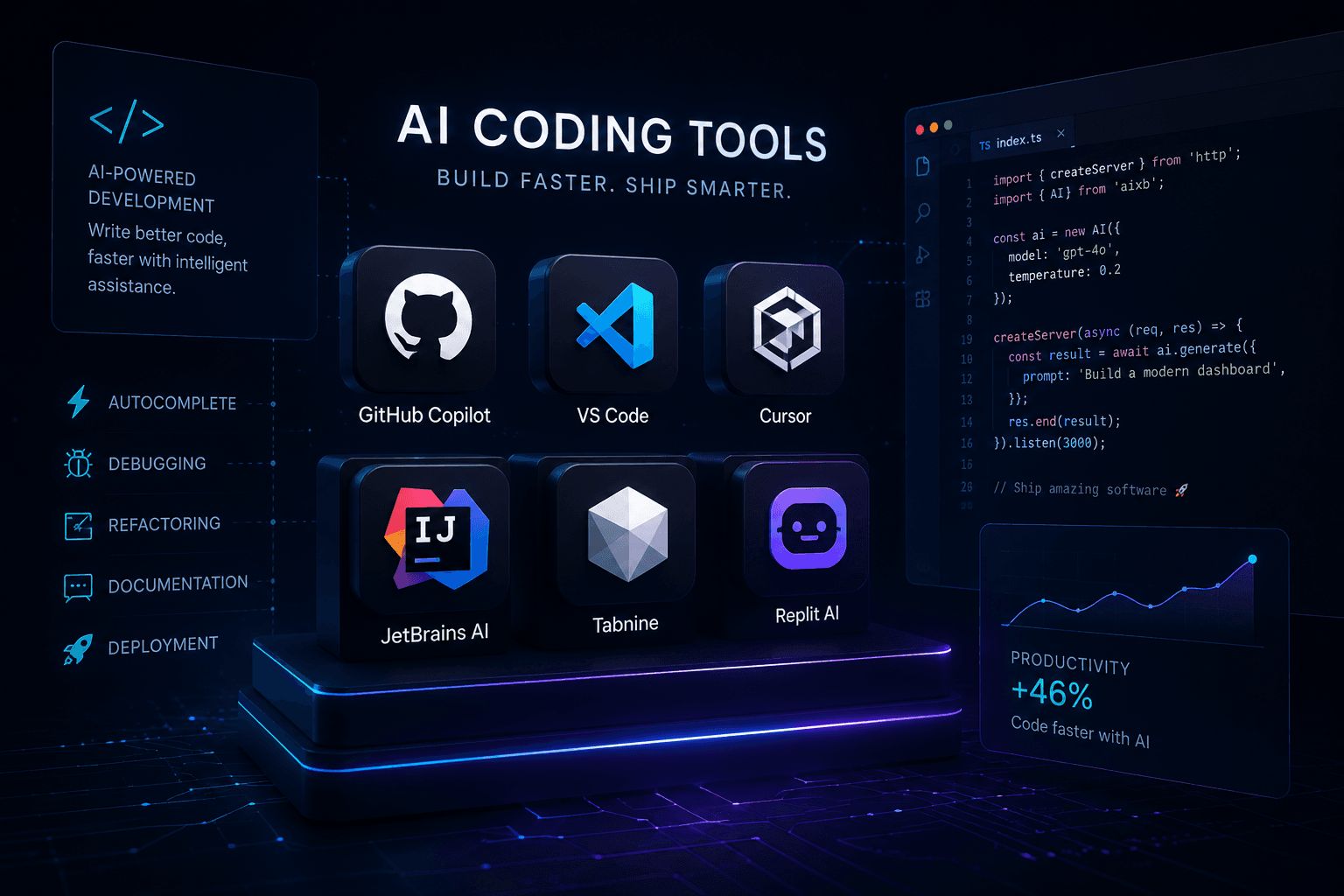
Executive Summary
AI coding tools have moved beyond simple autocomplete. The best tools now help developers understand large codebases, generate multi-file changes, review pull requests, explain unfamiliar systems, create tests, refactor legacy code, and accelerate prototyping.
For most engineering teams, the best AI coding tool is not simply the model with the strongest benchmark. It is the tool that fits the existing development workflow, repository structure, security model, code review process, and developer habits.
Best AI Coding Tools Ranked
Cursor
AI-first development inside a modern code editor
Cursor is one of the strongest AI coding tools for developers who want an editor built around agentic development, codebase understanding, and fast multi-file changes.
GitHub Copilot
Teams already working inside GitHub and VS Code
GitHub Copilot remains one of the most practical enterprise choices because it fits naturally into existing GitHub, pull request, review, and IDE workflows.
Claude Code
Deep reasoning, refactoring, and complex code tasks
Claude Code is especially useful for developers who need strong reasoning across architecture, debugging, refactoring, and larger engineering tasks.
ChatGPT / Codex
General coding, debugging, explanation, and workflow design
ChatGPT is a flexible coding assistant for planning, debugging, generating code, explaining systems, and supporting development workflows beyond the IDE.
Windsurf
Agentic coding workflows and AI-assisted editing
Windsurf is designed around AI-assisted software development, making it useful for teams experimenting with faster agent-driven coding workflows.
JetBrains AI Assistant
Developers already using IntelliJ, PyCharm, WebStorm, or Rider
JetBrains AI Assistant is a strong fit for teams that already rely on JetBrains IDEs and want AI support without switching development environments.
Replit Agent
Rapid prototyping and app building in the browser
Replit Agent is useful for quickly building, testing, and iterating on web apps, prototypes, internal tools, and lightweight software projects.
AI Coding Tools Compared
| Category | Best Choice | Why It Matters |
|---|---|---|
| Best editor-native experience | Cursor | Cursor places AI directly at the center of the coding environment instead of treating it as a side panel. |
| Best enterprise default | GitHub Copilot | Copilot fits naturally into GitHub, VS Code, pull requests, reviews, and existing engineering workflows. |
| Best reasoning-heavy coding assistant | Claude Code | Claude is especially strong when the work requires explanation, refactoring, architecture review, and careful reasoning. |
| Best general-purpose coding assistant | ChatGPT | ChatGPT works well across debugging, explanation, code generation, documentation, and workflow planning. |
| Best browser-based app builder | Replit Agent | Replit is useful when the goal is to quickly move from idea to working prototype without managing a local setup. |
1. Cursor
Cursor is one of the strongest choices for developers who want an AI-native coding environment. It is especially useful for multi-file edits, codebase-aware conversations, quick refactoring, and agentic development workflows.
Cursor is best for teams that are comfortable adopting a dedicated AI editor and want AI to become part of the daily coding loop instead of a separate assistant outside the IDE.
2. GitHub Copilot
GitHub Copilot remains one of the safest default choices for engineering teams because it fits naturally into GitHub and common developer workflows. It supports editor assistance, code suggestions, chat-based help, pull request support, and increasingly agentic repository workflows.
For organizations already standardized on GitHub, Copilot is often the easiest tool to adopt because it works inside the systems developers already use.
3. Claude Code
Claude Code is a strong option for developers who need deeper reasoning across complex code tasks. It is especially useful for reviewing architecture, understanding unfamiliar code, explaining tradeoffs, writing implementation plans, and refactoring larger systems.
Claude Code is a strong fit when the coding problem is less about fast autocomplete and more about reasoning through a system.
4. ChatGPT / Codex
ChatGPT is highly useful for general development work: debugging, code explanation, system design, documentation, data transformation, test planning, and turning product requirements into technical implementation steps.
Its strength is flexibility. It can support coding work, but also the surrounding work that makes software projects successful: planning, documentation, analysis, troubleshooting, and workflow design.
5. Windsurf
Windsurf is another strong AI coding environment focused on agent-assisted development. It is worth evaluating for teams that want an AI-forward coding experience and are comparing Cursor-like workflows against other agentic IDE options.
6. JetBrains AI Assistant
JetBrains AI Assistant is best for developers and teams already using IntelliJ IDEA, PyCharm, WebStorm, Rider, or other JetBrains IDEs. The advantage is simple: teams can add AI support without abandoning a mature professional development environment.
7. Replit Agent
Replit Agent is strongest for fast prototyping, lightweight app building, and browser-based development. It can be especially useful for founders, product teams, and non-traditional developers who want to move from idea to working software quickly.
How Enterprises Should Evaluate AI Coding Tools
AIBX Recommendation
For most professional engineering teams, start with GitHub Copilot if your organization already runs on GitHub. Choose Cursor if your team wants an AI-native editor and is comfortable changing development environments. Add Claude Code when the work requires deeper reasoning, refactoring, and architectural analysis.
The best long-term strategy is not choosing one tool blindly. It is designing a coding workflow where AI supports planning, implementation, review, testing, documentation, and operational handoff.
Final Verdict
Cursor is the strongest AI-first coding environment. GitHub Copilot is the safest enterprise default. Claude Code is excellent for complex reasoning and refactoring. ChatGPT is the best general-purpose coding assistant. Replit Agent is ideal for fast prototypes. The right tool depends on whether your team is optimizing for speed, control, reasoning, integration, or production engineering workflow.
Turn insight into workflow
Need help applying this inside real operations?
AIBX helps individuals and teams turn AI knowledge into governed workflows, reusable prompts, and practical implementation systems.
Related Articles
Continue Reading
Comparisons & Buying Guides
Top AI Chat Platforms in 2026
A strategic enterprise ranking of the top AI chat platforms in 2026 including ChatGPT, Gemini, Claude, Perplexity, Copilot, and emerging AI ecosystems.
Comparisons & Buying Guides
Claude vs ChatGPT for Business | AIBX
A practical enterprise comparison of Claude and ChatGPT across writing, coding, reasoning, workflow automation, and business adoption.
AI Tools & Platforms
ChatGPT and Claude Ecosystems Explained
A practical enterprise map of ChatGPT, Claude, models, coding agents, APIs, tools, and the architecture behind AI workflows.
AI Coding
Claude Code /insights: Developer Workflow Analytics
Learn what Claude Code /insights is, how to read the report, and how enterprise teams can use it to improve AI-assisted development workflows.